
Every car on your lot, on Marketplace. Kept current.
Listr posts each car from your dealership's website to Facebook Marketplace on your own profile, then keeps prices, renewals and sold cars up to date.
Every car from your dealership's website, posted to Marketplace and kept current.
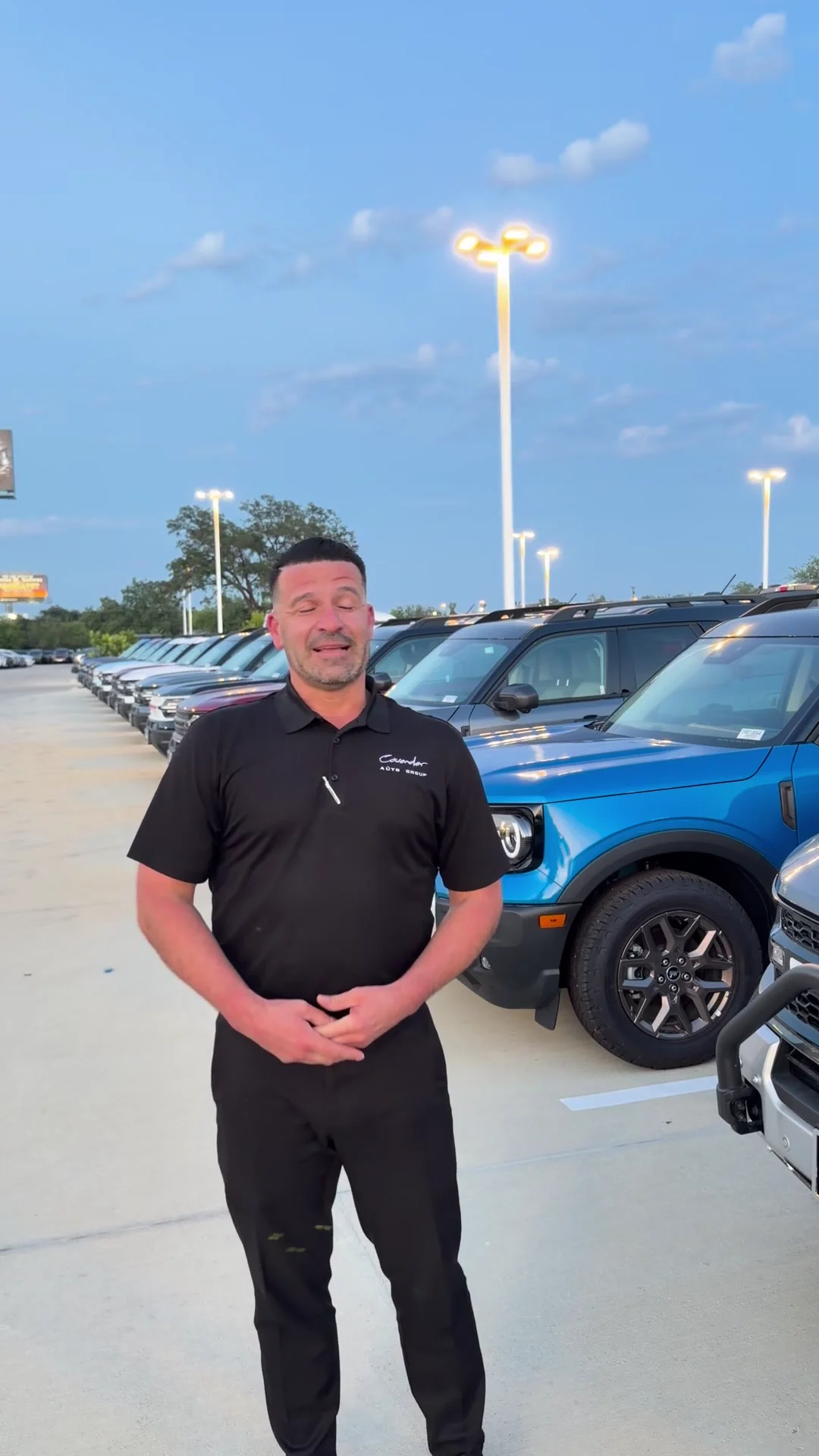
“One click and it's there.”
Works in your own Chrome · Never asks for your Facebook password · Cancel any time
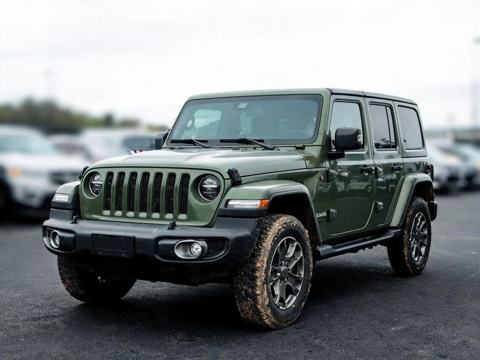
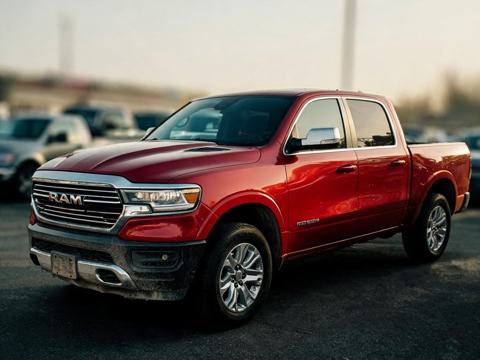
Vehicle for sale

What is Listr?
Listr is a Chrome extension and web dashboard for car salespeople and dealerships. It reads your dealership's website, turns each car into a Facebook Marketplace ad on your own profile, and checks every ad each morning, so prices stay in sync and sold cars come down.
During our beta
Counted from Listr's records during the beta, through November 3, 2026.
Will this get my Facebook flagged?
It's the first thing every rep asks, so we built Listr around the answer.
Not a single Listr user has been banned or had Facebook issues during our beta. Your account stays yours. Here is how Listr keeps it that way.
- Runs in your own ChromeListr works while you're signed in to Facebook. It never asks for your Facebook password and never shares accounts.
- A natural paceAds go out one car at a time with human timing, and automatic work runs only from 8:30 AM to 10 PM Central. You decide how many.
- Stops if Facebook objectsIf Facebook shows a warning, like a temporary block, Listr stops right away, pauses and tells you.
- One job at a timeListr finishes one task before the next, and every tab it opens says what it's doing.
- Your profile, your buyersAds post from your own profile, so buyers message you directly in Messenger. Listr never touches your chats.
- A real person answersReport anything from the panel and it reaches the team that builds Listr.
No tool can promise what Facebook will do. These protections keep the risk low, and they come with every plan. No Facebook API, no shared logins.
Three steps from your website to Marketplace.
Add Listr to Chrome and enter your store's website
Listr reads your inventory with every photo, price, mileage and VIN. No spreadsheet or feed to set up.
Pick a car and click Post
Listr fills in the Marketplace ad and publishes it from your profile. Review each ad first, or queue cars for Auto-post.
Listr keeps every ad right
Every morning it checks your ads against the website. Prices stay in sync, ads get renewed, and sold cars come down.
What does Listr do after the ad is up?
Posting is the easy part. Keeping 60 ads honest is the job nobody has time for. Listr checks every ad against your website each morning.
Your ad price matches your website.
Listr keeps your ads in sync with your dealership website's pricing.
- Shown in Recent activity
- How price sync works


Sold cars come down. Live ones get renewed.
When a car leaves your website it shows as Sold, and Auto-remove marks the ad sold on Facebook. When Facebook opens the renew window, Listr renews the ad so nearby buyers see it again.
- Auto-renew and Auto-remove are your choice, on or off
- No sold cars left up for buyers to ask about
- Every action listed with who did it, you or Listr

Listings that look like you took your time.
Every website photo comes across, with a description written for the car. Add your own phone photos or a walk-around video, and share to local buy and sell groups.
- AI descriptions or your own template
- Hide website photos you don't want

One-owner crew cab, 5.0L V8, tow package and a bed liner already in. Heated seats, Apple CarPlay, new tires. Message me for a walk-around video.
Every car on a clean, natural background.
Lens takes the busy showroom or lot out of the photos Listr pulls from your website and puts each car on a natural outdoor background, so every listing looks like it was shot on a nice day.
- Works on the photos Listr imports from your website
- Slide between the original and the cleaned photo before you post
- Keep the original any time you like

 Dealer photoWith Lens
Same ads. None of the hassle.
| The job | With Listr | By hand |
|---|---|---|
| Fill the Marketplace form | One click fills it from your website, photos included | Type every field, download and upload every photo |
| Website price changes | Your ad stays in sync with the website | Find the ad and edit it yourself |
| Car sells | Shows as Sold; Auto-remove marks the ad sold | Remember which ads to take down |
| Renew window opens | Renewed when Facebook allows it | Check every ad, every few days |
Do Listr ads actually sell cars?
“One click and it's there. My first client from Listr came in on an F-150 King Ranch.”JR Bobadilla · Cavender Grande FordFull video on Instagram

“I could tell right away Listr was better, faster, more efficient.”Jose Diaz · Seguin ChevroletFull video on Instagram

“The customer drove down from Houston for it. He found it on my Facebook page, where I'd listed it through Listr.”Ezdine Chaheine · Steele Hyundai of KyleFull video on Instagram

“That lead actually ended up purchasing that vehicle and the Infiniti that we had on our lot. So they ended up purchasing both vehicles cash.”Jason Quinn · San Marcos Chrysler Dodge Jeep RamFull video on Instagram
Two plans. One for you, one for your store.
Pay monthly, or yearly and get two months free. Cancel any time.
Solo
One salesperson, buying for yourself, posting from your own Facebook.
- Import your dealership's whole website
- One-click posting and the Auto-post queue
- Ads kept in sync with your website's prices
- Auto-renew and sold cars marked sold
- 500 AI credits a month for descriptions and groups
- Your own dashboard: listings, clicks and activity
Cancel any time. Prices in US dollars.
Dealership
Your whole sales floor, with the store dashboard.
Each extra person $79 a month.Each extra person $790 a year.
- Everything in Solo, for every person
- Store dashboard, Team page and leaderboard
- One join link for the floor, one bill for the store
- 500 AI credits a month per person, plus Store credits to share
- Listr sets your store up with you
A Listr rep reaches out and sets your store up with you.
Questions
For salespeople
Will this get my Facebook flagged?
Not a single Listr user has been banned or had Facebook issues during our beta. Listr keeps it that way: it posts from your own Chrome and profile, never asks for your password, posts one car at a time at a natural pace, runs automatic work only from 8:30 AM to 10 PM Central, and stops if Facebook shows a warning. No tool can promise what Facebook will do, so these protections come with every plan.
Does it work with my dealership's website?
Most likely. Listr works with the website your store already has: it reads your store's own inventory pages, so there is no feed or spreadsheet to set up. Many sites are read by Listr every morning; sites that block outside readers are read in your own Chrome instead. During the beta Listr read 68 dealership websites. Not sure about yours? Tap Get started and a Listr rep will check it with you.
Does Listr use the Facebook API?
No. Listr works inside your own Chrome, on your own Facebook profile, while you're signed in, the same way you would post by hand. It never asks for your Facebook password.
Will it post from my phone?
Posting and the automatic jobs run in Chrome on a computer, so Chrome needs to be open on a computer for Auto-post, renewals, price updates and sold cars to run. Your dashboard works on your phone: check your ads and clicks anywhere, and add cars to your posting queue right from your phone.
What happens when a car sells?
When a car leaves your dealership's website, Listr shows it as Sold and takes it out of your posting queue. With Auto-remove on, Listr marks the Marketplace ad sold for you, one car at a time. It never touches your Messenger chats.
Can I cancel?
Yes, any time, from your billing page. Your plan keeps working through the last day you paid for, and your ads stay on your Facebook profile.
What happens when I tap Get started?
You pick your role and your plan, then leave your name, email and phone. A Listr representative reaches out shortly to set you up. Then you add Listr to Chrome and post your first car.
For owners and GMs
Will I have IT support?
Yes. A real person helps you by phone and email to get you back on track and support your team. We're also open to your ideas for features that help your store succeed.
How do I see what my team is doing?
The store dashboard shows every rep's posts, live ads and clicks, sold cars still up, unposted cars and a monthly leaderboard, from your phone or your desk.
Can I see which cars haven't been posted yet?
Yes. The store dashboard lists unposted cars, the oldest cars on your lot and who has posted them, so you can follow up with the right rep from your phone.
Do reps have to give the store their Facebook login?
No. Each rep posts from their own Facebook in their own Chrome. Listr never asks for a Facebook password, and the store never holds anyone's login.
How does setup work?
Tap Get started and choose I run a dealership. A Listr rep reaches out and sets your store up with you: we add your website and your people, post a first car together, then you send one join link to your floor.